

Counter-Strike 2 · press F8 to clip
Replay running
Press .
Keep the moment.
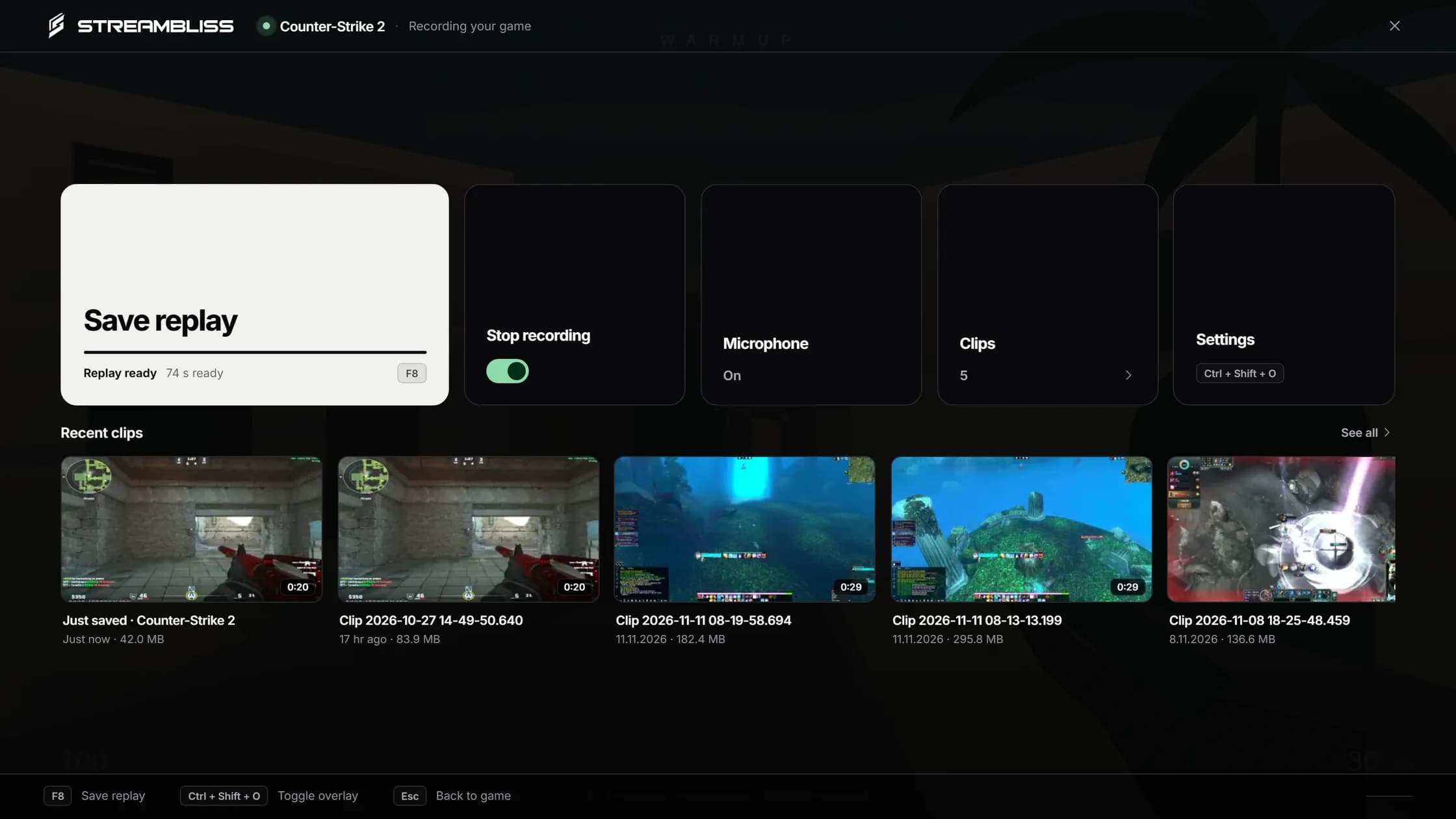
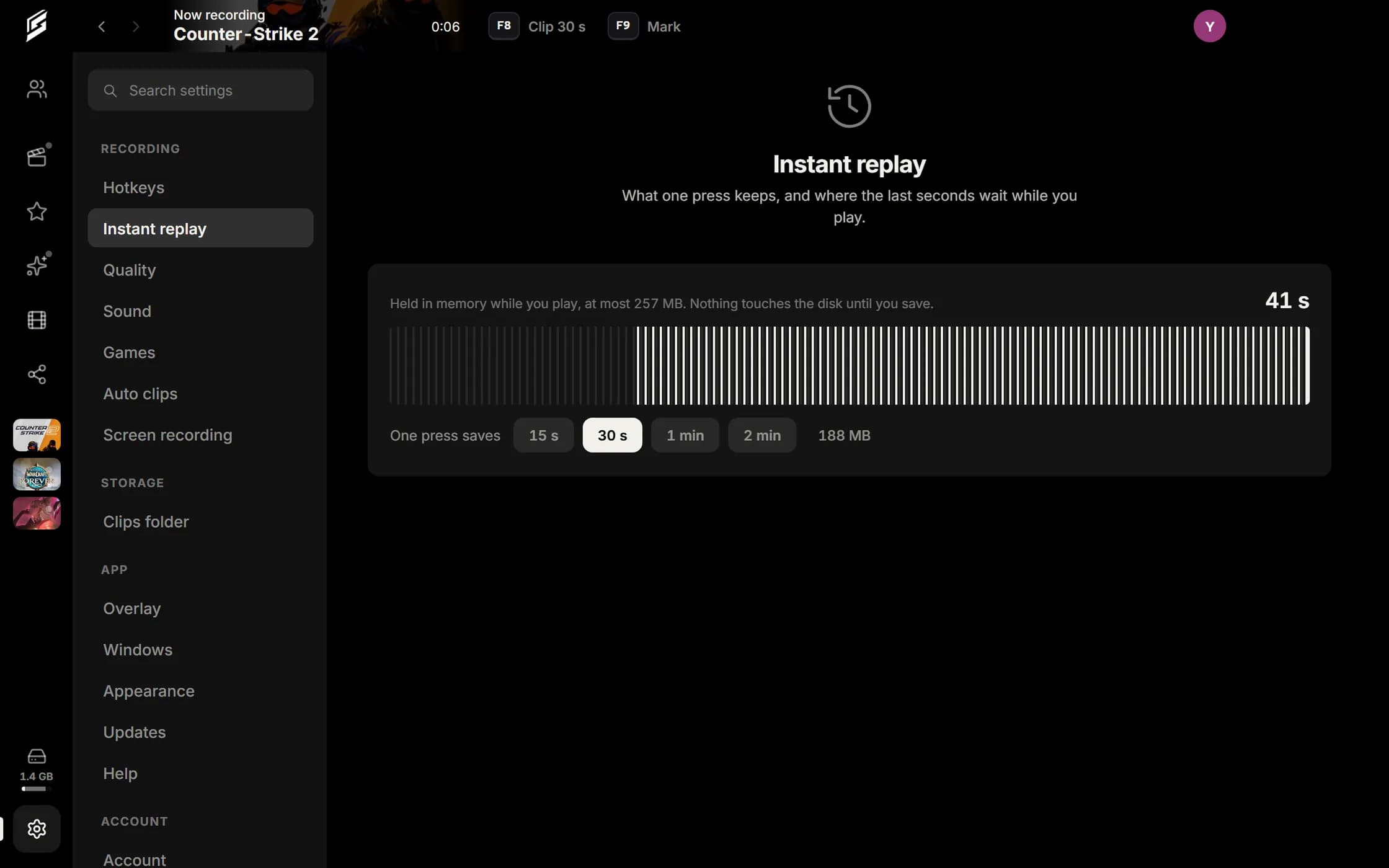
Streambliss records whatever you play, in the background. One key saves what just happened. One link shares it.Records whatever you play. One key saves it, one link shares it.
Counter-Strike 2 · 30 s
 Counter-Strike 2just now
streambliss.cloud/v/8fKq2mVxLink ready
Whatever you playPick one. Streambliss notices the moment it starts.
Recognises more than 11,000 games on its own
- Dota 2
- Among Us
- Roblox
- The Finals
- VRChat
- Dead by Daylight
- osu!
- Undertale
Finds installed games inSteamEpic GamesRiot Games
Not on the list? You can start a recording for anything else by hand.
It sorts itself.
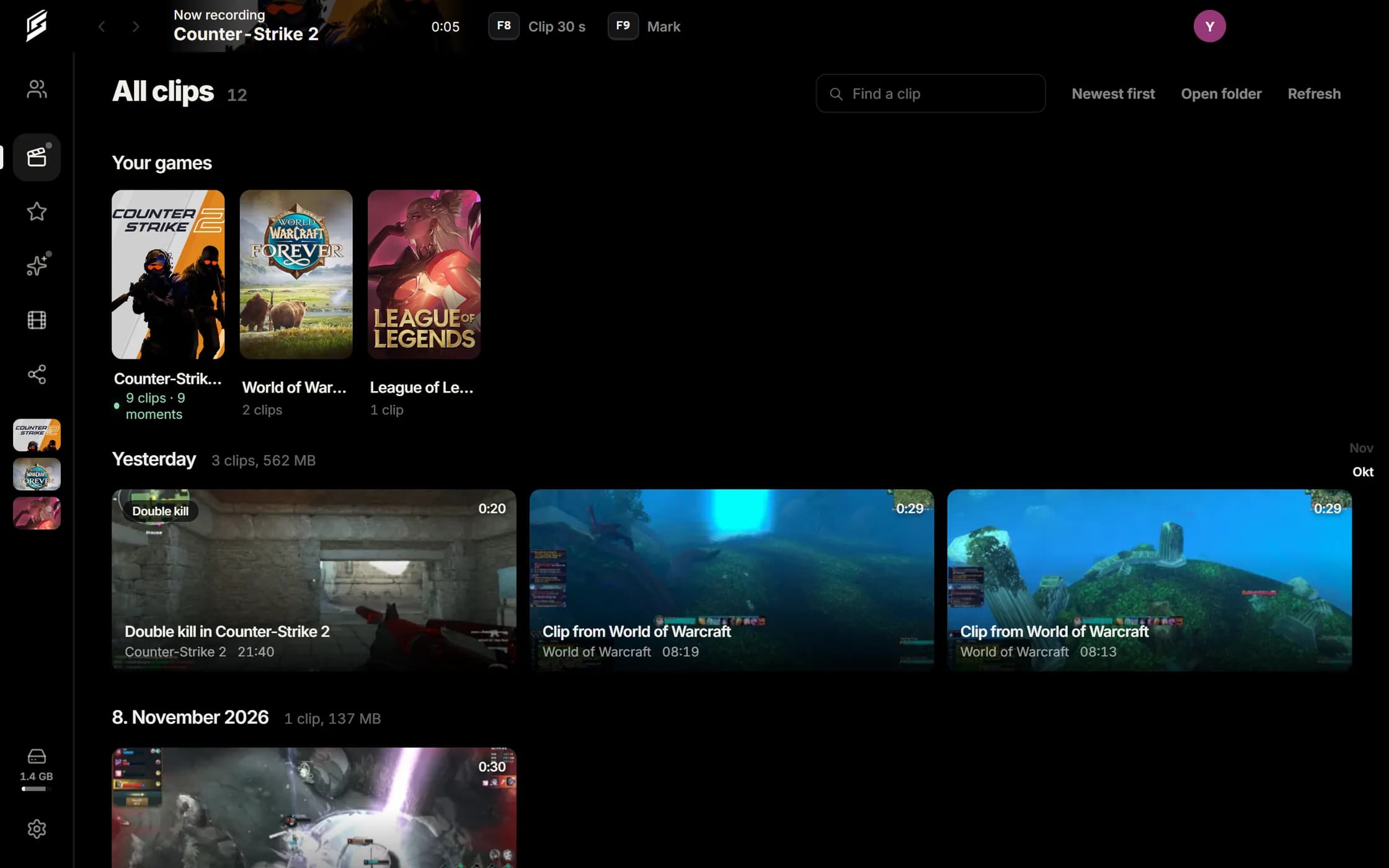
Capture knows the game, reads its cover and banner from your own installation and files every clip on the right shelf. No folders, no tags: you look for the game, not the date.
- Counter-Strike 2
- Rust
- PUBG: Battlegrounds
- Dota 2
- Dead by Daylight
- Your next gameThe shelf appears the moment you start it.
- Over 10,000 games known
- And every other one you add. Capture remembers what runs on this PC.
- The picture comes from the game
- Capture reads cover and banner from your Steam installation. Everything else shows the game's mark.
- Private until you share
- The shelf is yours alone. What leaves it leaves as a link, and you can revoke that at any time.
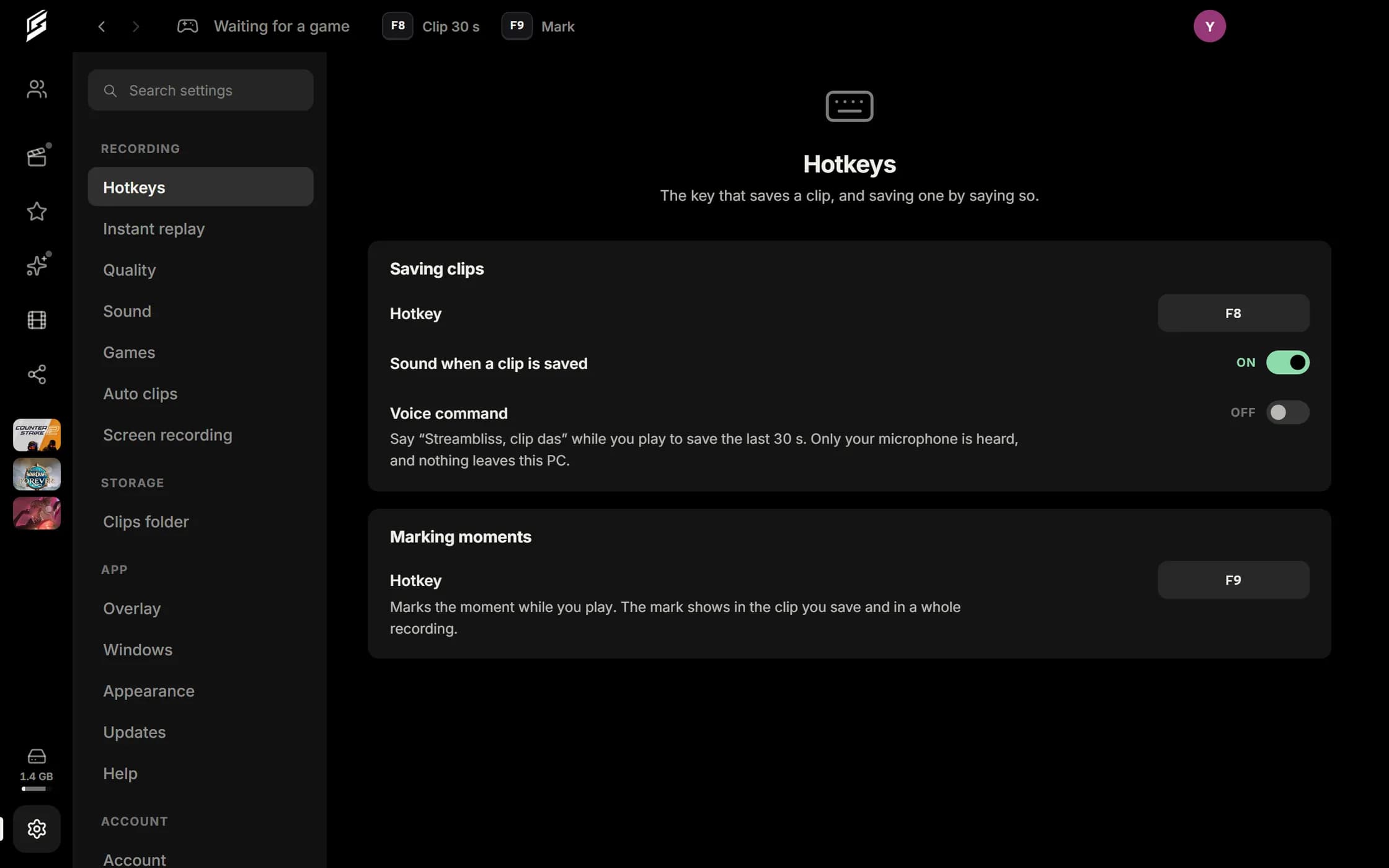
The recorder, up close.
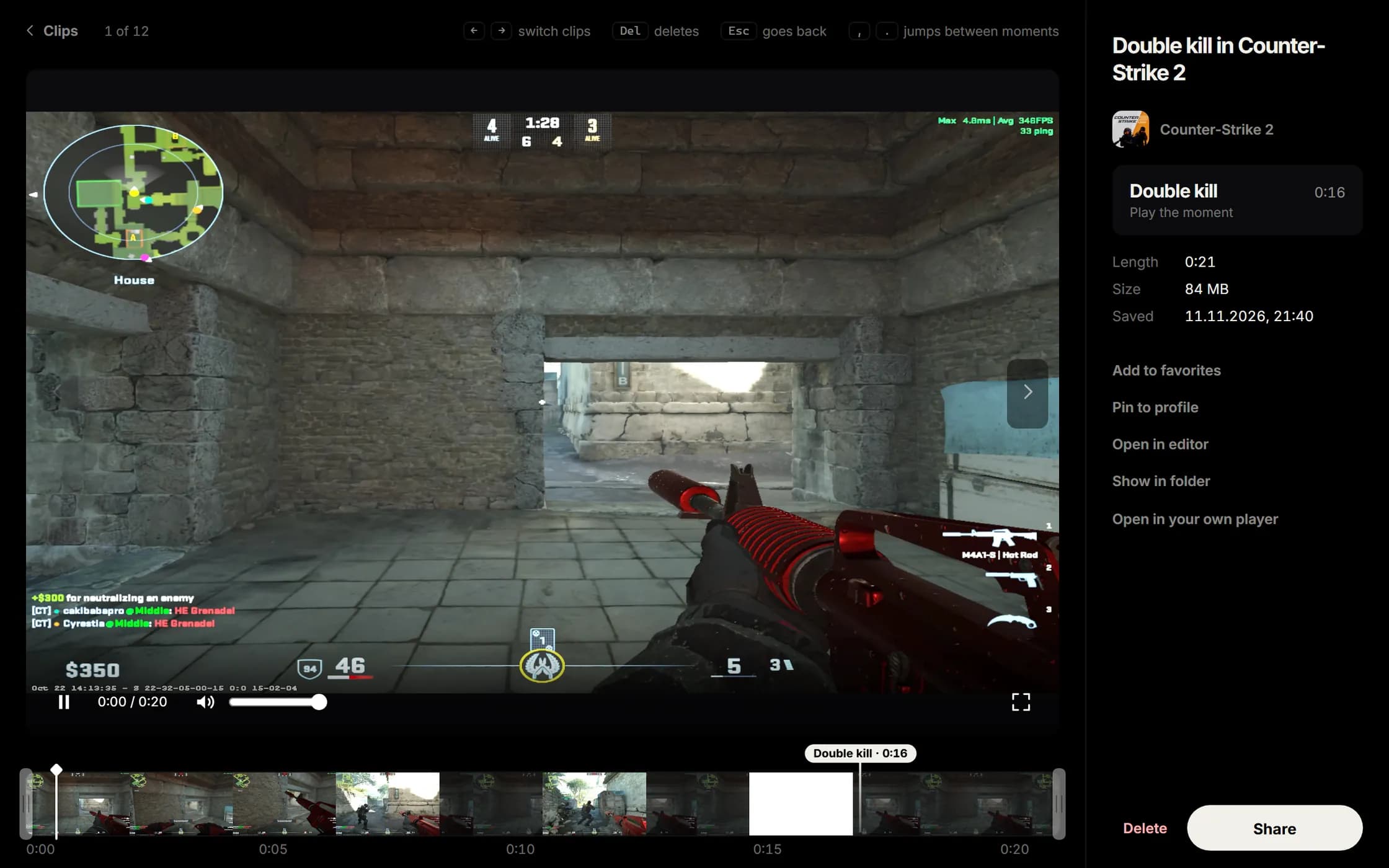
Every clip, filed under its game.
Covers, moments and days sort themselves. You look for the game, not the file.
Windows 10 / 11 · 64-bit · Version 0.1.62 · 69.3 MB
Unsigned build · Installation note
The first time you run it, SmartScreen reports that Streambliss is not certified yet. Choose “More info”, then “Run anyway”.
Questions, answered.
What is Streambliss?
Streambliss records your games and shares the best moments. Streambliss Capture for Windows keeps the last seconds of your game, F8 saves them as a clip, and one link lets anyone watch it in their browser.
Is Streambliss free?
Yes. The free plan includes 10 GB of storage, videos up to 250 MB and Capture for Windows. Pro (€10 a month) and Creator (€25 a month) add more storage, larger videos and keep your videos until you delete them.
Which games does Capture work with?
Capture recognises over 10,000 games by itself and records any other game you add. In Counter-Strike 2 and VALORANT it also saves your kills automatically, and F9 marks a moment in any game.
Why does Windows warn me when I install it?
The installer is not signed yet, so Windows SmartScreen asks before the first start. Click "More info" and then "Run anyway". Updates install themselves after that.
Do viewers need an account or an app?
No. Anyone with your link watches directly in their browser or right inside Discord, and the quality adapts to their connection.
Can I take a link back?
Yes. Revoke a link or replace it with a new one at any time, without uploading the video again.
Can I follow friends?
Yes. You get a profile with your clips, can follow friends and see their newest clips in your feed. Capture finds friends from Discord and Steam for you.
Is it still a beta?
Yes, an open one. Anyone can join, and things can still break. Tell us in our Discord or under Settings → Help in the app, which sends us the logs we need.
One great moment. One simple link.
From your first clip to the finished project. Give your videos a home and share them with the right people.